

You can safely begin using the DeepKron R55 R/C Lawn Mower by carefully following each step outlined in the R55 Operation Manual. For optimal safety and performance, always refer to the DeepKron Mowers User manual. Before starting, review these common safety risks:
Safety Issue |
Description |
|---|---|
Noise Exposure |
Prolonged use may impact your hearing—wear protection. |
Vibration Syndrome |
Extended operation can cause muscle fatigue. |
Environmental Hazards |
Watch out for snakes, bees, and sharp objects. |
Rollover Risks |
Zero-turn mowers require careful control to prevent rollovers. |
Uneven Terrain |
Slopes or rocky areas may increase the risk of tipping. |
R55 Operation Manual Setup and Safety
Unboxing DeepKron R55 R/C Lawn Mower
Start your journey with the DeepKron R55 by carefully unboxing your mower. You need to check every item before you begin. Use this checklist to make sure you have all the necessary components:
DeepKron R55 R/C Lawn Mower unit
Remote control with battery compartment
Battery charger for the mower
Battery charger for the remote
User manual and warranty card
Safety keys and emergency stop accessories
Blade clutch tool
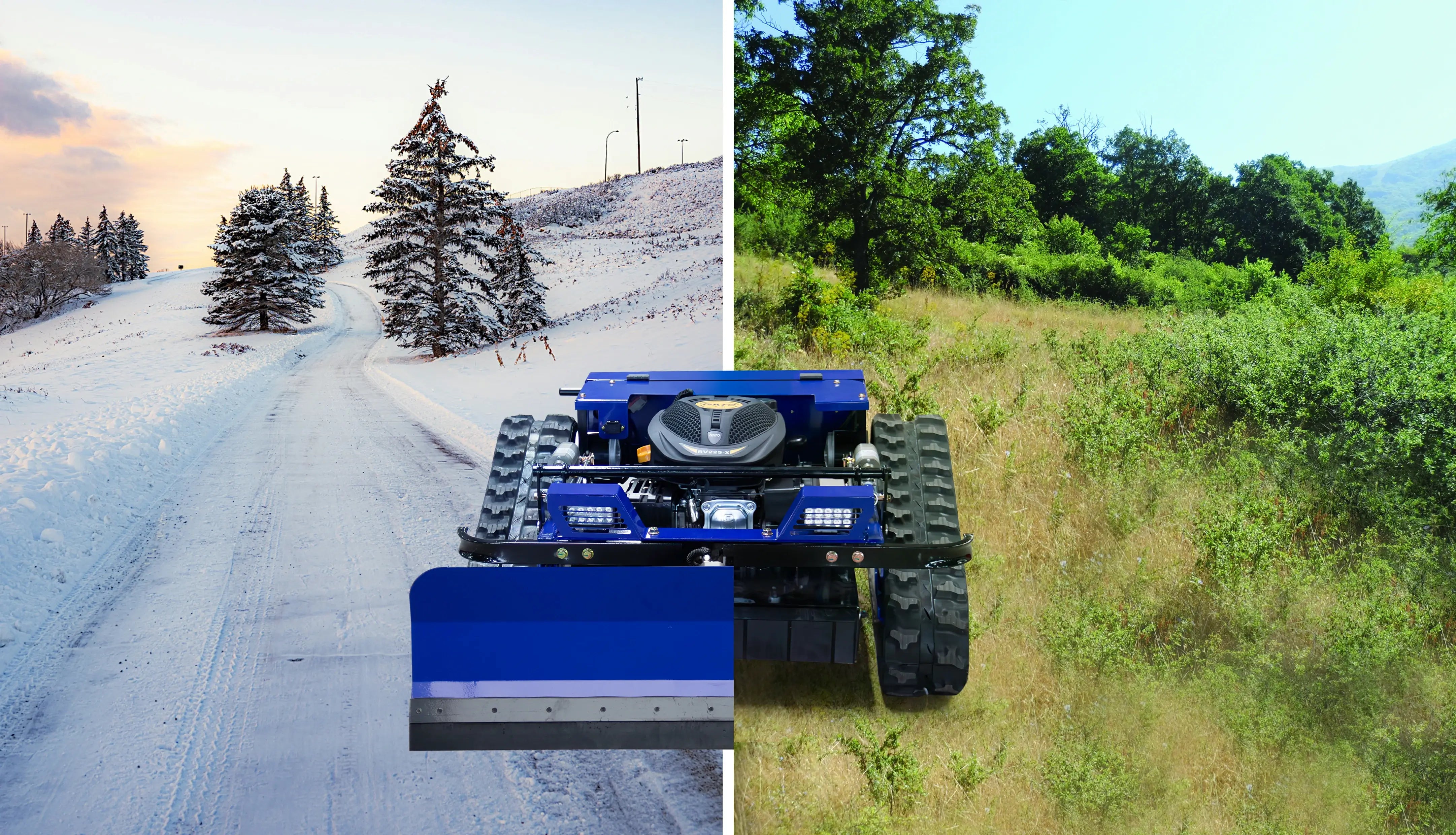
Optional attachments (such as snow plow or chassis wrap, if ordered)
Tip: Lay out all the items on a flat surface. Match each part with the list above. If you notice any missing or damaged items, contact DeepKron support right away.
Charging and Powering On
You must charge both the mower and the remote before your first use. This step ensures you get the best performance and safety.
Plug the mower’s battery charger into the charging port. Wait until the battery LCD indicator shows a full charge.
Insert batteries into the remote control. Use the provided charger if the remote uses rechargeable batteries.
Check that both devices are fully charged before you power them on.
To power on the DeepKron R55, follow these steps:
Turn the main power switch on the mower to the "ON" position.
Press the electric start button. Wait for the engine to run smoothly.
Switch on the remote control. Make sure the signal indicator lights up.
Note: Always charge your devices in a dry, safe area. Never operate the mower or remote near water or in wet conditions.
Safety Checks and Area Prep
Safety comes first when you use the DeepKron R55. The R55 Operation Manual recommends a few important checks before you start mowing.
Inspect the mower for loose bolts, damaged blades, or leaks.
Test the emergency stop and blade clutch functions.
Adjust the cutting height between 0.8 and 5.9 inches to suit your lawn. This feature helps you get the best results for different grass types.
Review the remote control range. You can operate the mower from up to 1,476 feet away. This distance keeps you safe, especially on steep slopes.
Prepare your mowing area by following these steps:
Remove rocks, sticks, and debris from the lawn.
Look for animals, nests, or hidden objects.
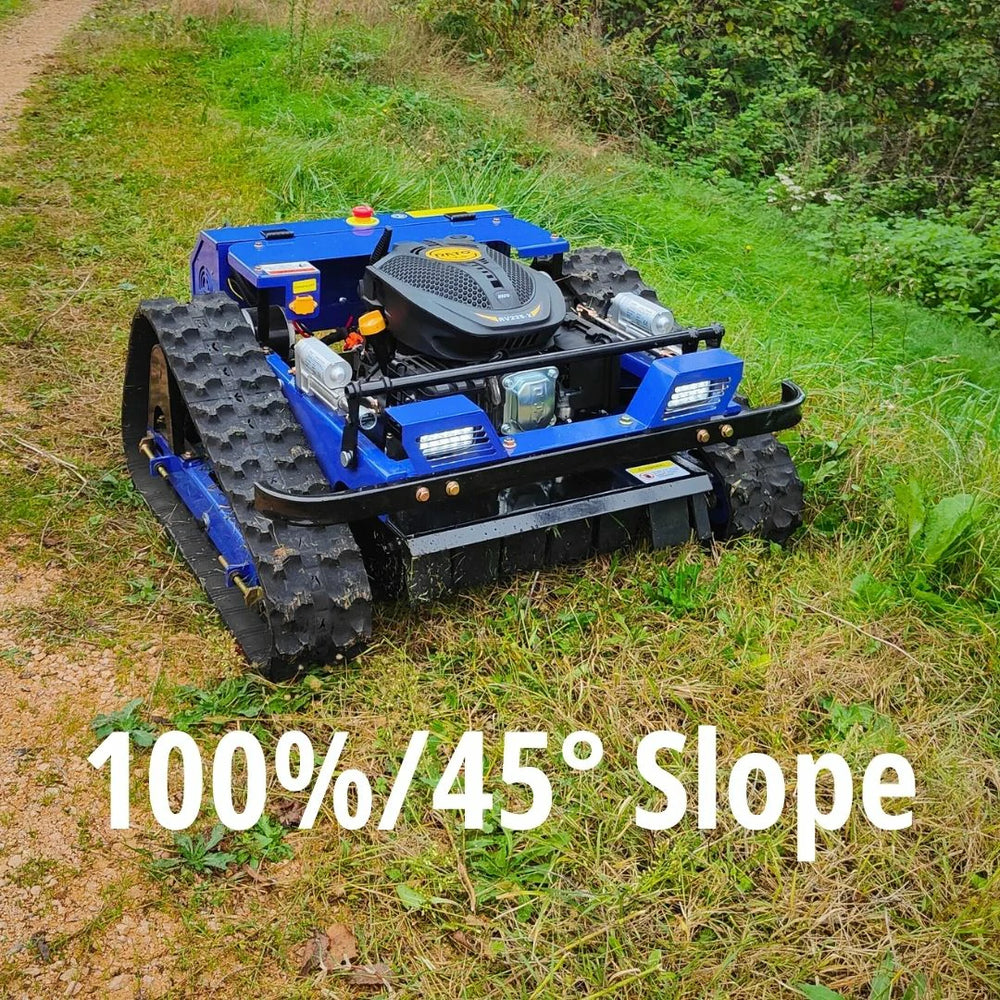
Mark any slopes or uneven terrain. The DeepKron R55 can handle slopes up to 45 degrees, but you should always check for stability.
Make sure children and pets stay away from the mowing area.
Alert: Never mow wet grass or operate the mower on unstable ground. Always follow the R55 Operation Manual for safety and maintenance tips.
You now have the knowledge to set up your DeepKron R55 R/C Lawn Mower safely. The R55 Operation Manual guides you through each step, so you can enjoy remote mowing with confidence.
Pairing, Controls, and Mowing Tips
Pairing Remote with R55 Mower
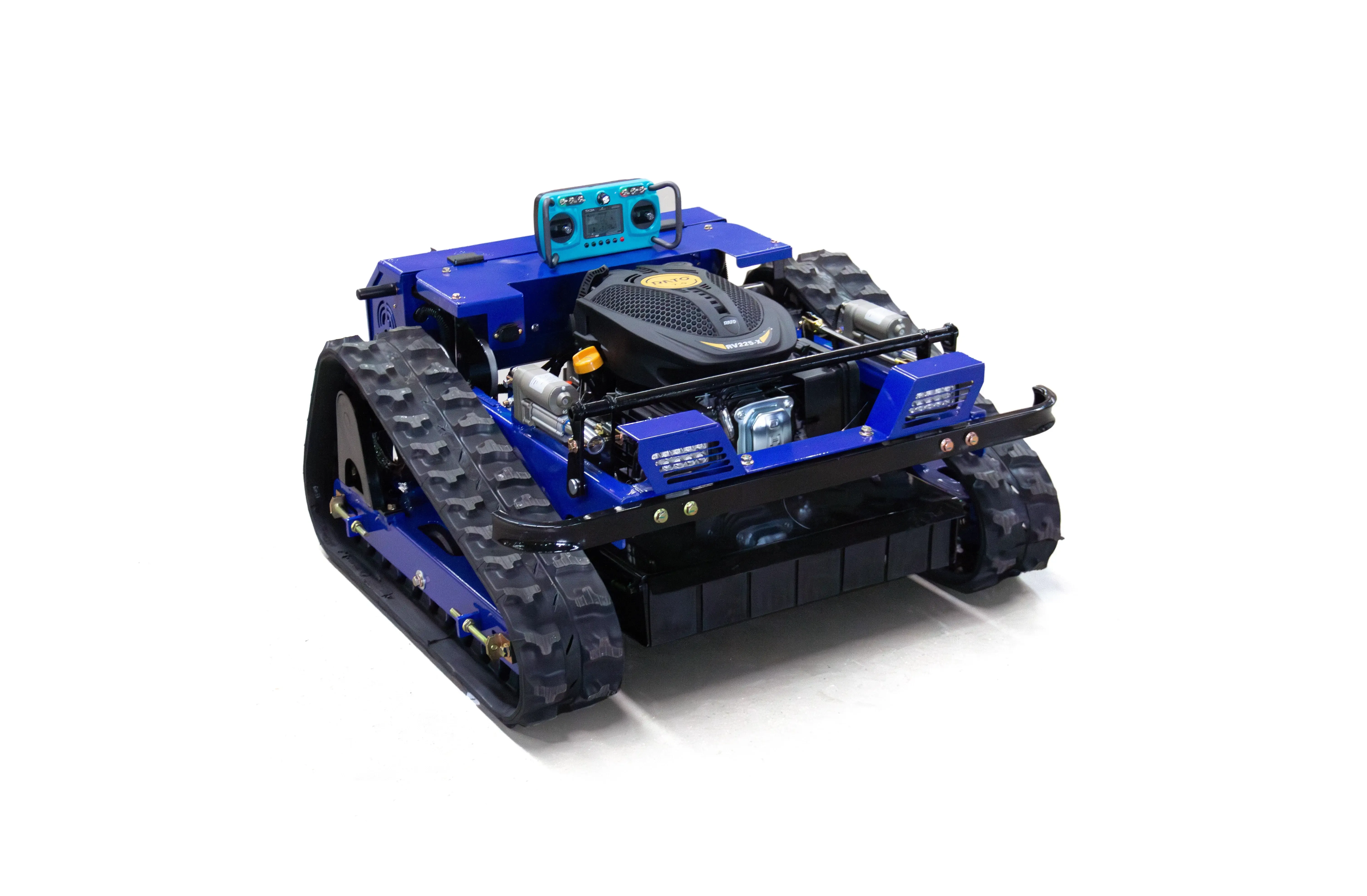
You must pair your remote with the DeepKron R55 before mowing. This step helps you control the mower safely. Follow these steps:
Turn on the mower with the main power switch.
Turn on the remote control. Wait for the signal light.
Press the pairing button on the remote. Hold it until the receiver light blinks.
Let go of the button. The receiver light will stay on when pairing works.
Test the connection by moving the joystick. The mower should move right away.
Tip: If the mower does not move, check the batteries. Try pairing again. Look at the R55 Operation Manual for help.
Basic Controls and Maneuvering
You use the remote to control the DeepKron R55. The remote has different buttons and functions. Learn what each button does to use the mower well.
Joystick: Move forward, backward, left, and right. The R55 turns quickly and moves with sharp turns.
Start/Stop Button: Start or stop the engine fast.
Blade Clutch: Turn the cutting blades on or off.
Emergency Stop: Press to stop all mower actions if there is danger.
Cruise Control: Set a steady speed for big lawns.
Practice driving in a wide open area. Move the joystick gently for smooth turns. Do not stop or turn quickly on hills. Change the cutting height with the remote to fit your lawn.
Note: Always watch the mower while you use it. The remote works up to 1,476 feet, but you should see the mower at all times.
Mowing Best Practices
You get the best results with the DeepKron R55 by using smart mowing tips. These ideas help you mow safely and easily, even on rough ground:
Mow up and down hills, not across. This lowers the chance of tipping.
Go slow and look for rocks, holes, or sticks.
Do not turn on hills. If you must turn, turn uphill and make wide turns.
Mow when the grass is dry. Wet grass can block the blades and make the mower slip.
Wear strong boots and gloves to protect yourself.
Check the mower before you use it. Make sure the blades are sharp and the mower works well.
Alert: Always follow the safety rules in the R55 Operation Manual. Never mow wet grass or ground that is not stable.
Maintenance and Storage
You keep your DeepKron R55 working well by cleaning, checking, and storing it the right way. Follow these steps to make your mower last longer:
Quick Maintenance Guide:
Look at the blades after each use. Sharpen them if the mower cuts unevenly or gets blocked.
Remove dirt from the tracks. Check for damage or if they are not straight.
Charge the battery all the way before storing. For lead-acid batteries, store them fully charged. For lithium-ion batteries, store at 40-60% charge.
Check battery contacts and test the motor if the mower will not start.
Storage Tips:
Take out the batteries from the mower and remote.
Store the mower in a room with good air and steady temperature.
Keep the temperature between 50°F and 80°F.
Keep humidity close to 50%.
Storage Condition |
Ideal Temperature Range |
|---|---|
Indoor Storage |
40°F - 80°F |
Optimal Temp. |
~60°F |
Storage Condition |
Optimal Humidity Level |
|---|---|
Battery Storage |
~50% |
Tip: Clean the mower after you use it. Wipe the outside and remove grass. Store the mower away from water and sunlight.
You make your DeepKron R55 last longer by following these care and storage steps. The R55 Operation Manual has more help for fixing problems and advanced care.
You can begin mowing when you follow the R55 Operation Manual steps. Doing regular maintenance stops breakdowns. It helps your mower last longer. You will spend less time fixing problems. If you need help, use customer support. You can also check the Owners Portal or use warranty services. Remote mowing with DeepKron makes lawn care simple and safe.
FAQ
How do you adjust the cutting height on the DeepKron R55?
You use the remote control to change the cutting height. Check the R55 Operation Manual for the correct settings for your lawn.
Tip: Adjust before you start mowing for best results.
What should you do if the mower does not start?
First, check the battery charge and power switch. If the mower still does not start, review the troubleshooting steps in the R55 Operation Manual.
Make sure all connections are secure.
Try the electric start button again.
How often should you clean the mower?
You should clean the mower after every use. Remove grass and dirt from the blades and tracks. The R55 Operation Manual gives more cleaning tips.
Share:
5 Winter Tasks You Can Do with an RC Lawn Mower
DeepKron RC Mower vs. Mammotion: Which One Is Right for Your Property?